 Properties, buildings and developments
Residents, buyers, tenants.
Each one asks about their own.
Placenet gives every property, building and development a digital layer. Owners, tenants, buyers, caretakers, contractors or sales agents: each person sees what matters to them on their phone, based on who they are, where they are and what is happening. In the app you already have, in a new app with your brand or in a web app with nothing to download.
Many people per property, and information scattered across a thousand places.
You decide the places, who's who and what each person sees.
Placenet gives every property, building and development in your portfolio its own digital space. From there, each person’s phone adapts on its own.
You define the places
Your entire portfolio, every property, building or development, every stairwell and every shared area.
You decide who's who
As many roles as you need. One person can have several: owner in one property and tenant in another.
You choose what they see and can do
In each place and for each role, the right apps and content.
They come in through a single access point
Whatever the channel, Placenet knows where each person is and who they are.
 No water tomorrow from 9 to 12Management notice attached
From the front door to the key handover.
This is how a person’s phone changes as they move around their property, their development or their building. Nobody touches a thing: the place changes and so does what they see.
Example apps, made up. Yours will carry your brand, your colours and the design you imagine.
A demo on real maps where you move the person around and switch roles.
More than 500 properties connected in an app with their own brand.
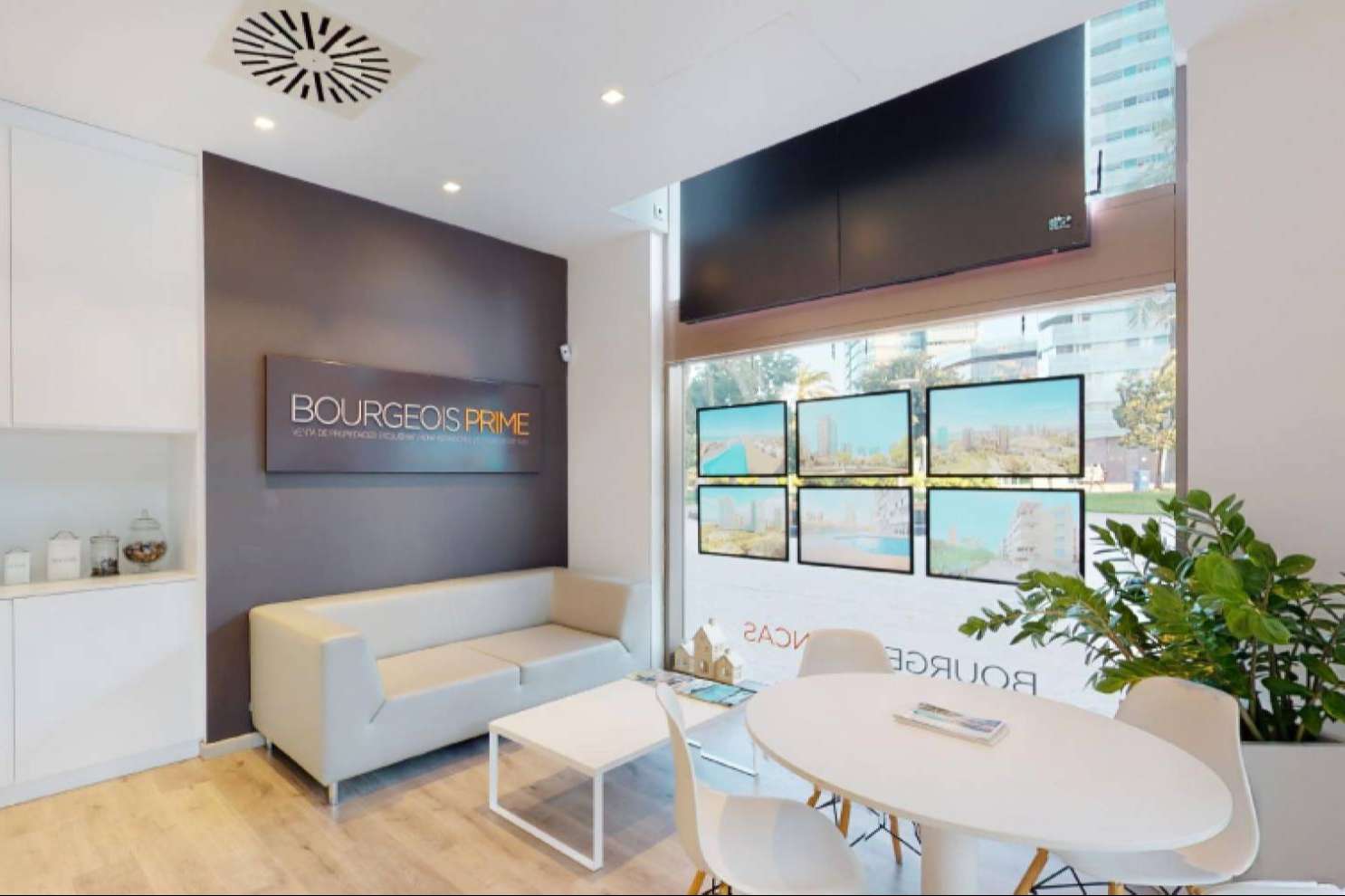

Bourgeois Fincas
A leading Barcelona property management firm went from an overload of calls to its own app, where every owner, tenant and caretaker sees what concerns their property: notices, documents, incidents and their building’s community.
Everything you can switch on across your properties, buildings and developments.
- Alerts
 Documents
 Incident reports
 Build progress
 Bookings
 Meetings and appointments
 Voting
 Residents’ chat
 Noticeboard
 Tasks
Tasks Concierge desk
 QR access
 AI assistant
 Forms
Forms Guides and manuals
 Bills
Bills Map
Map Emergencies
 Analytics
- And more
 Akiles
 Salesforce
 SharePoint
 Google
 Gmail
Gmail WhatsApp
- And more
What people usually ask us.
Does it work for property managers, developers and building operators?
Yes. Each defines its own places and roles: a portfolio of owners’ associations, developments on sale or under construction, rental buildings, offices or retail units. The platform is the same; what changes is what each person sees.
Do people need to download an app?
Not necessarily. There are three options: build it into the app you already have, publish a new app with your brand on the App Store and Google Play, or a web app opened with a link or a QR code, with nothing to download.
Does it integrate with my management software or CRM?
Yes. It integrates with any tool you already use: property management software, ERP, sales CRM, access control, e-signature or anything else. Your systems stay the same.
What happens when a development is handed over?
The same person can go from buyer to owner without changing app: they stop seeing build progress and start seeing their community’s notices, documents and shared areas, and after-sales stays in the same place.
What data do I get?
Everything that happens digitally, tied to each property, building or development: notices sent and read, documents viewed, incidents and how long they take to resolve, shared area bookings, caretaker and contractor tasks, viewings and signings, what the AI assistant is asked most and each person’s ratings. View it by property, role or period, live and in reports.
What does my team need?
Access to the dashboard from a computer to communicate, assign and measure across the whole portfolio. For everyone else, their phone. Nothing to install in the buildings.
How many calls do you get a week?
Tell us what you manage, properties, buildings or developments, and who you deal with every day, and we’ll show you how it would work.
Prefer to write to us? [email protected]